


How to Purchase & Redeem Subscriptions or Gems on G2A
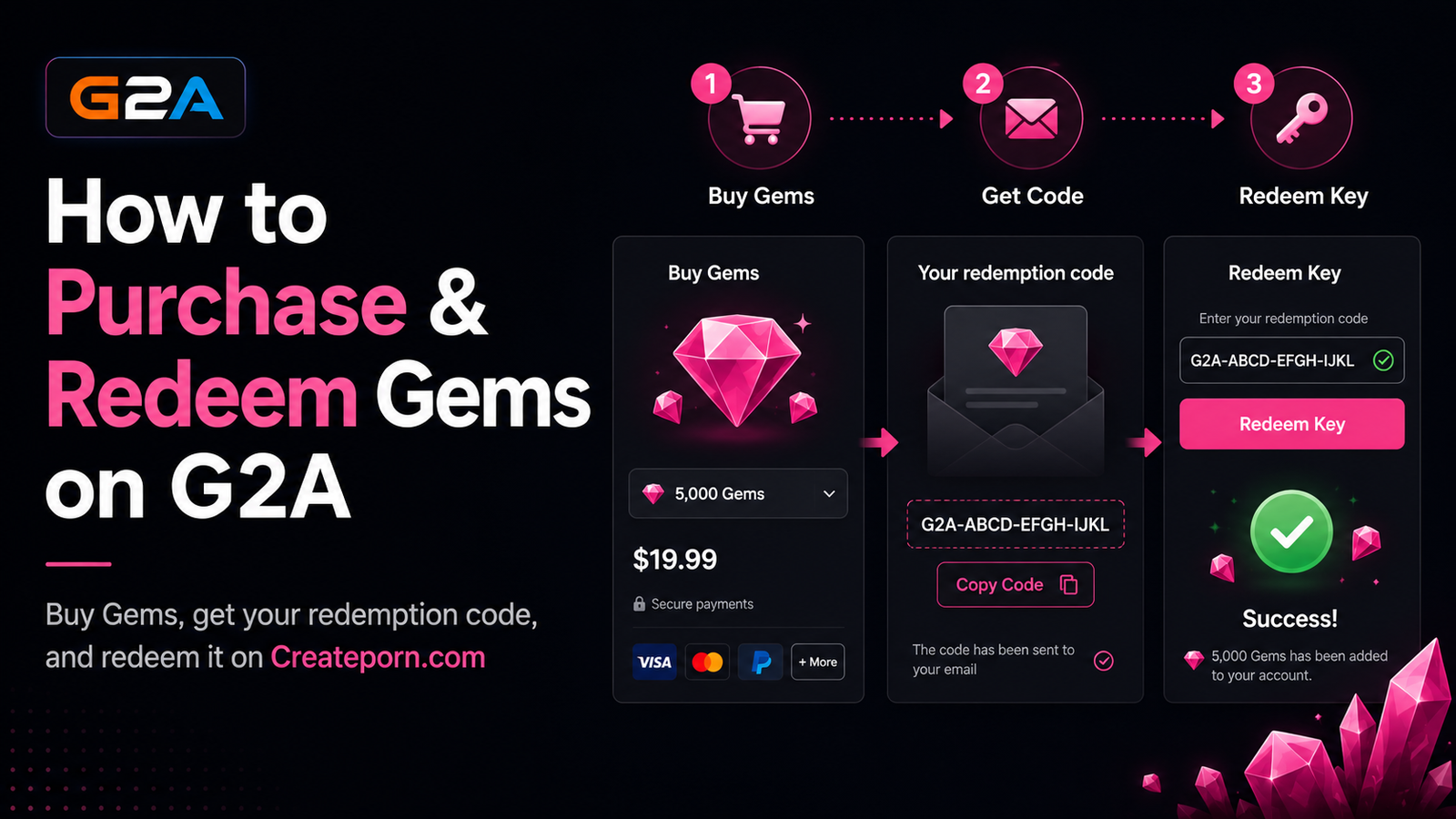
This article explains how to purchase Gems through G2A and redeem them on Createporn.com.
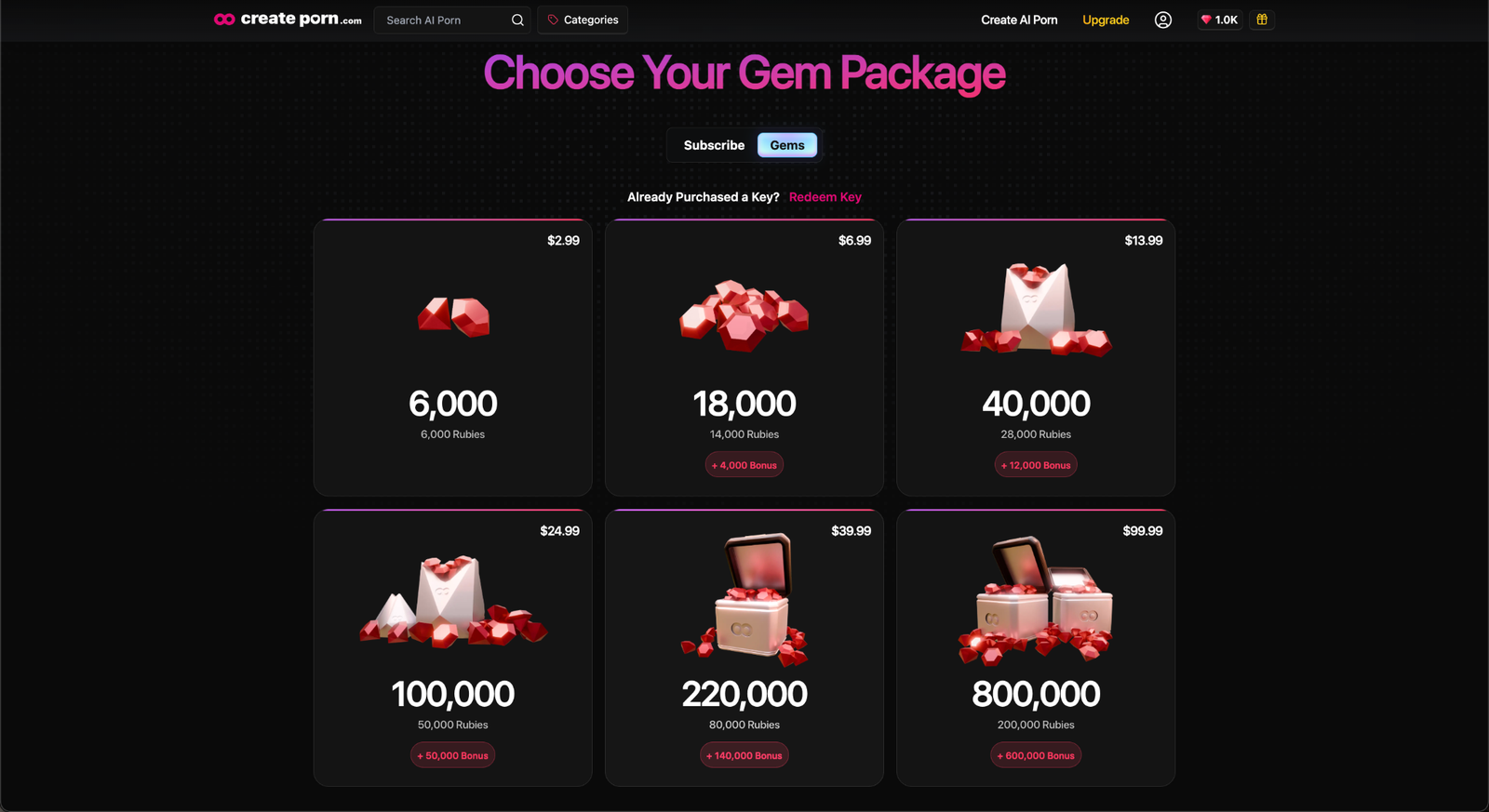
How to Buy Gems with G2A
Head to our Credits Page
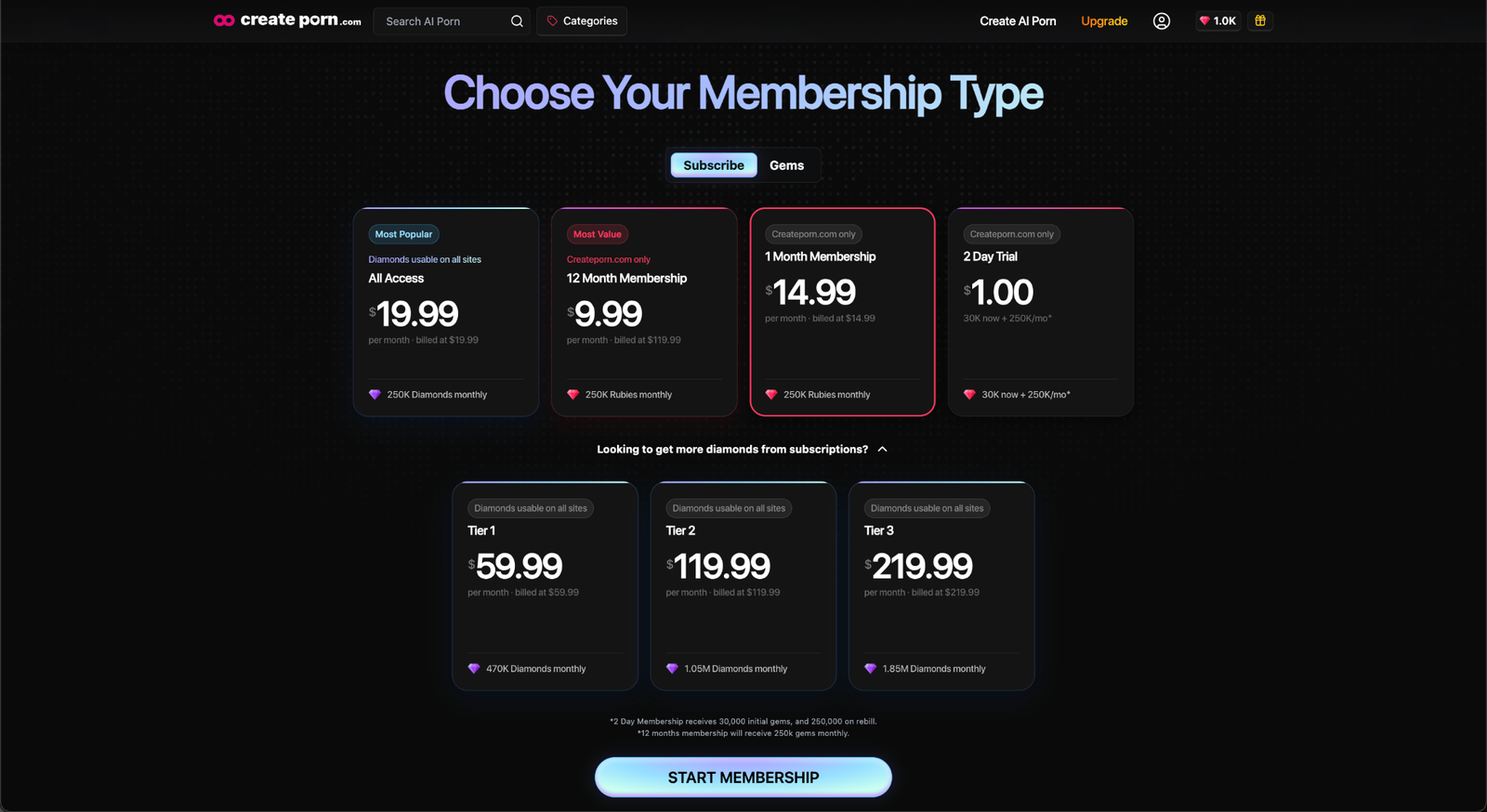
Log in to your account and go to the Credits page on Createporn.com. Then, select the Gem pack you'd like to buy, and choose G2A in the payment options menu.
Purchase Gems on G2A
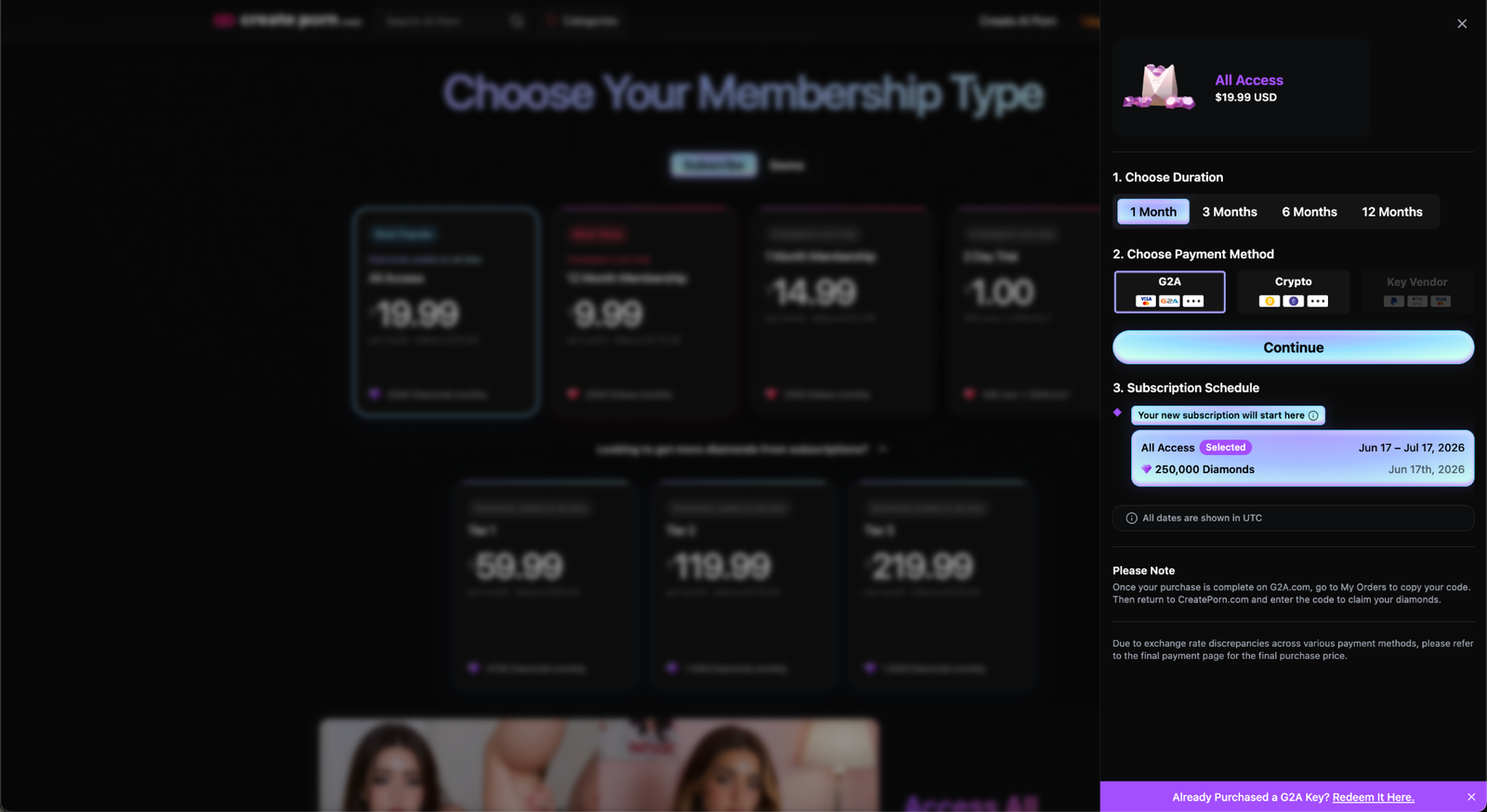
Select what you'd like to buy, then choose G2A in the payment options menu.
Complete Your Purchase
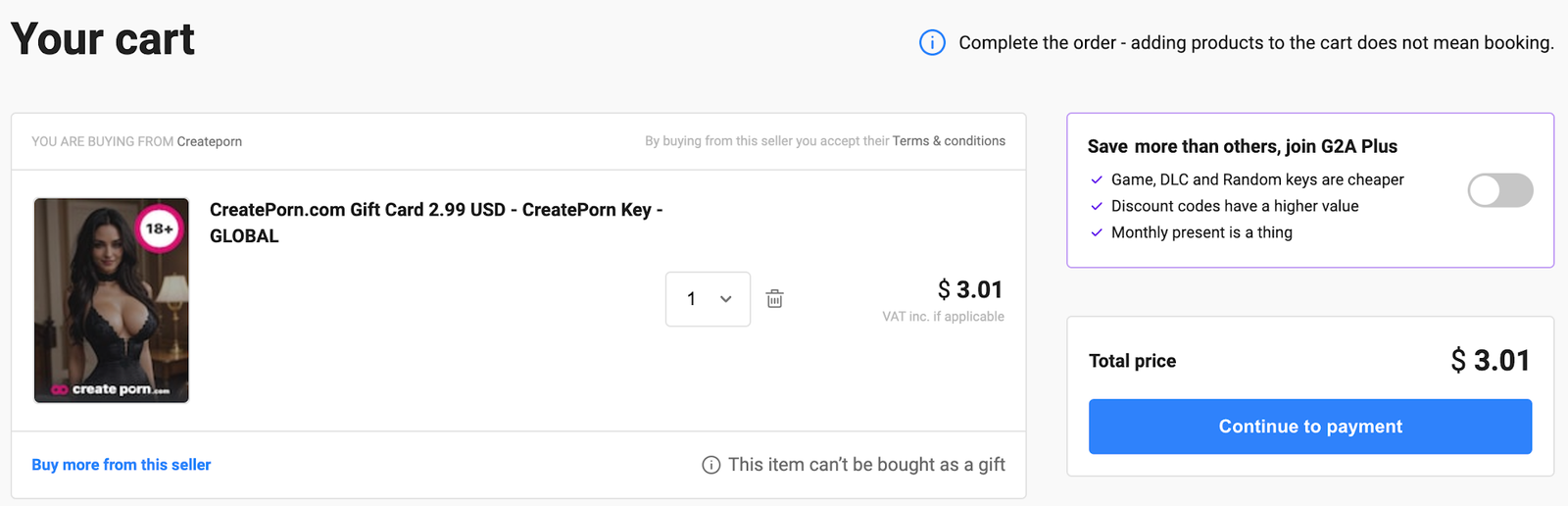
You will be redirected to G2A in this step. Complete your purchase using your preferred payment method.
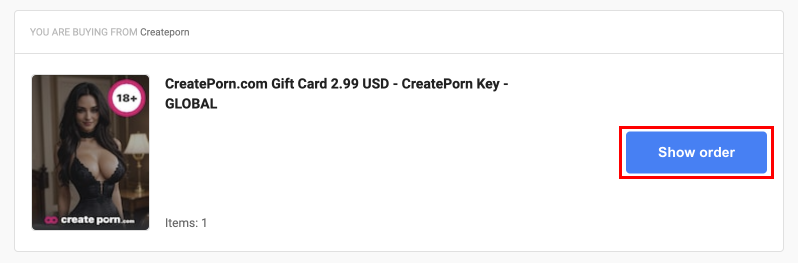
After completing your purchase, be sure to press "Show Order" to locate your Redemption Code.
Locate Your Redemption Code
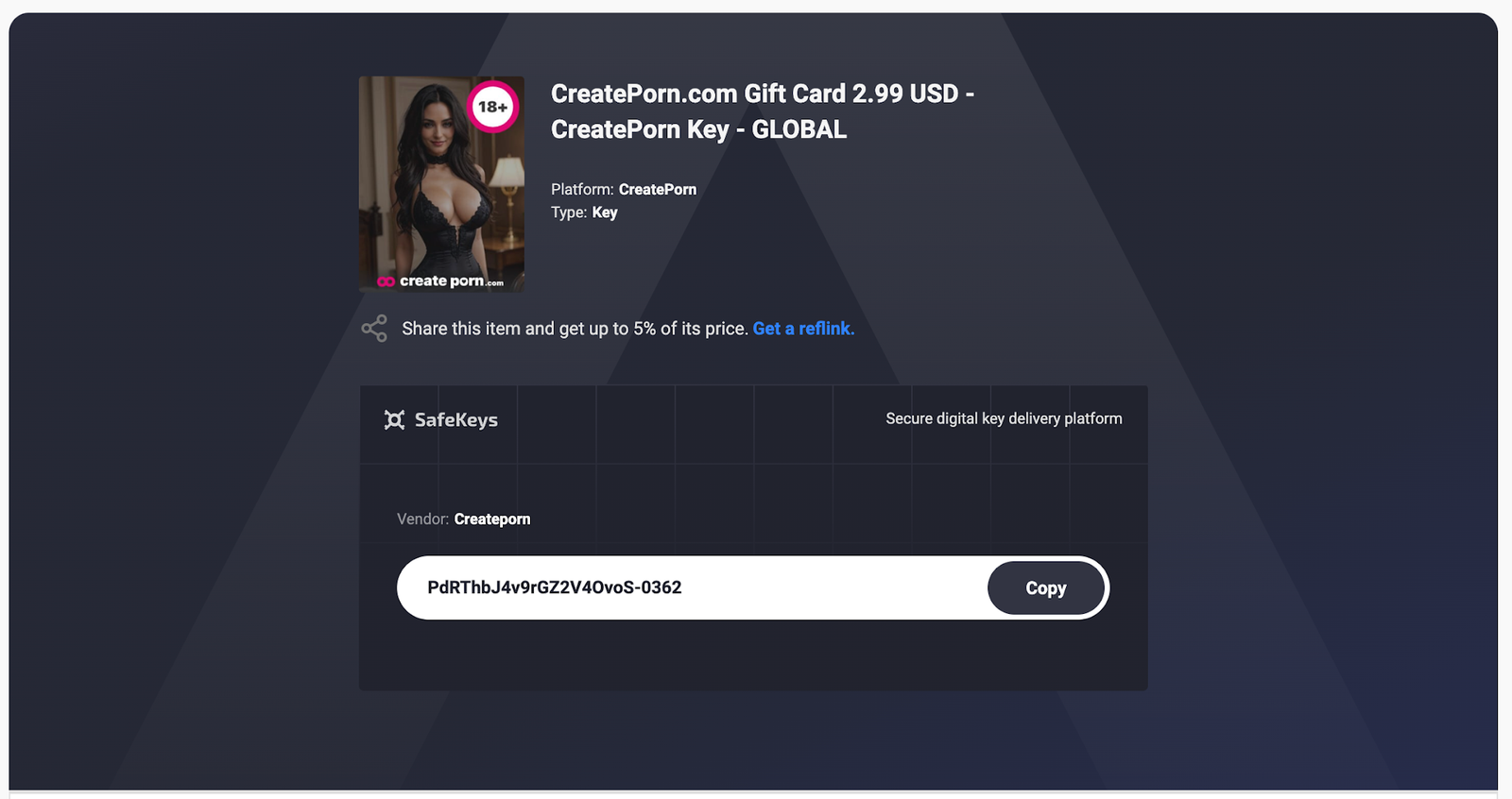
Once you've completed your purchase and navigated to your Order Page, scroll down to access your Redemption Code.
Copy your code and return to the Credits page on Createporn.com.
Redeem Your Code
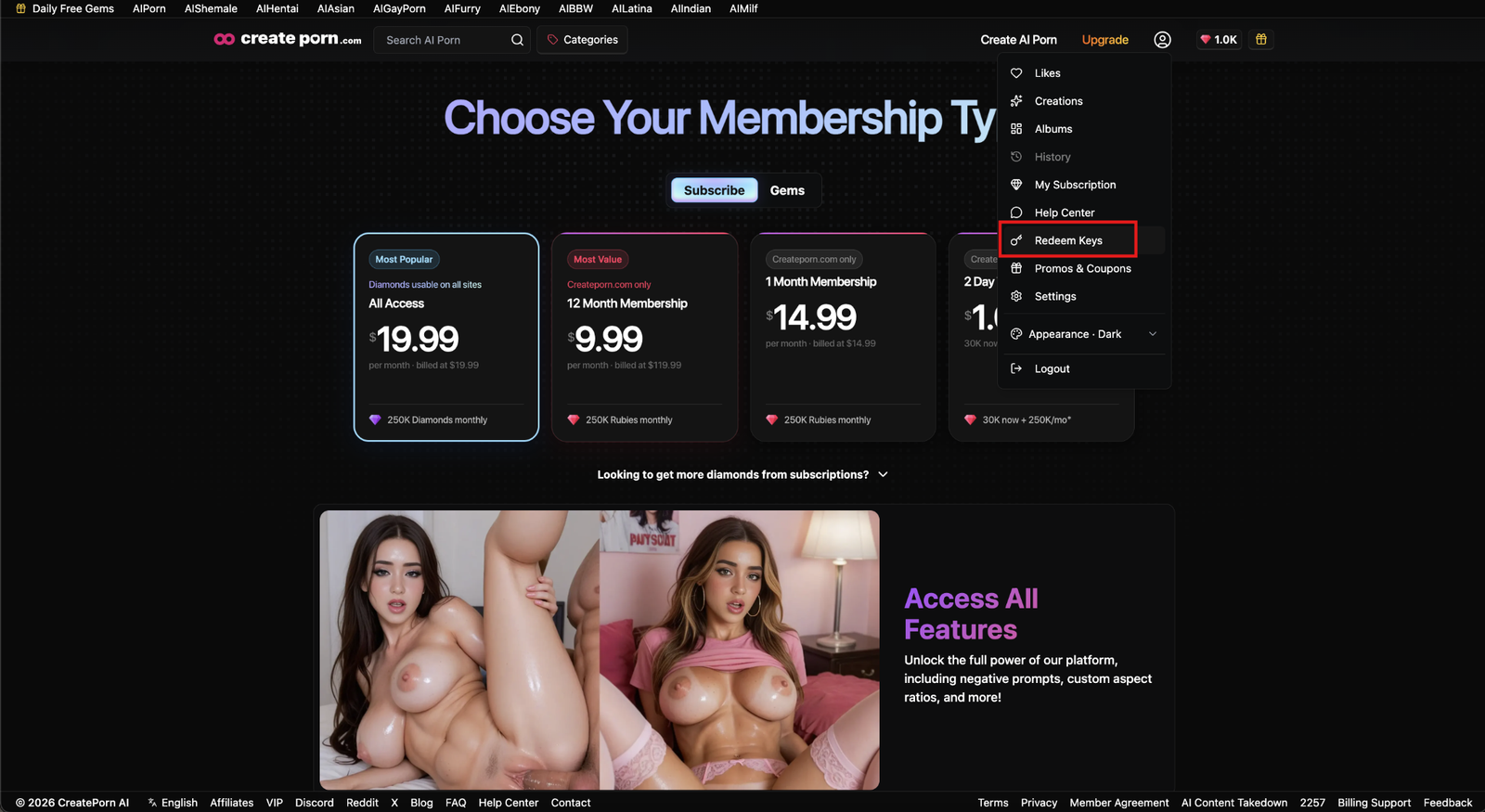
Return to the Credits page and press the "Redeem Key" button
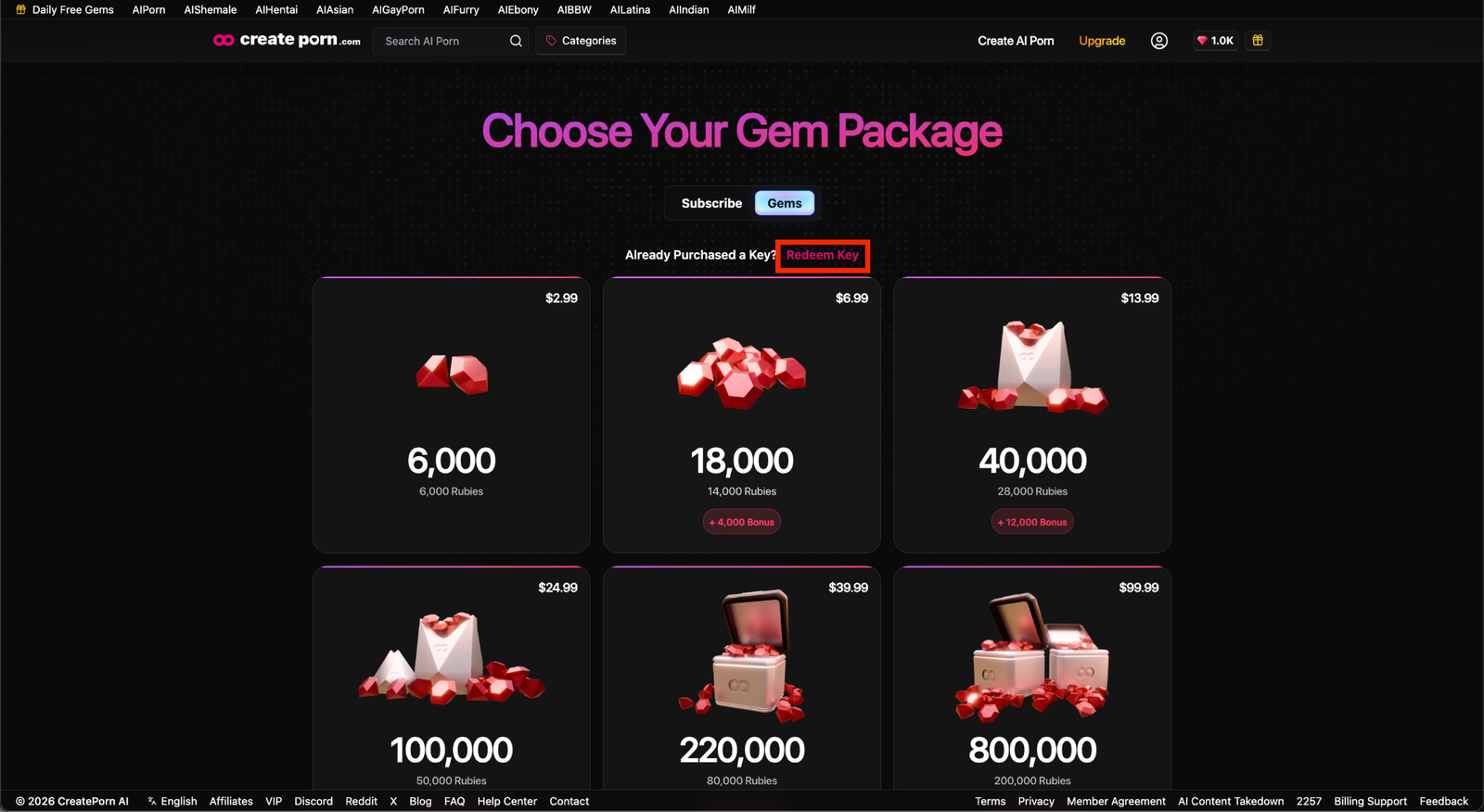
OR
Open the menu by clicking the user icon in the top-right corner of the screen, then selecting Redeem Keys.
Enter the redemption code in the text field and click "Redeem Key".
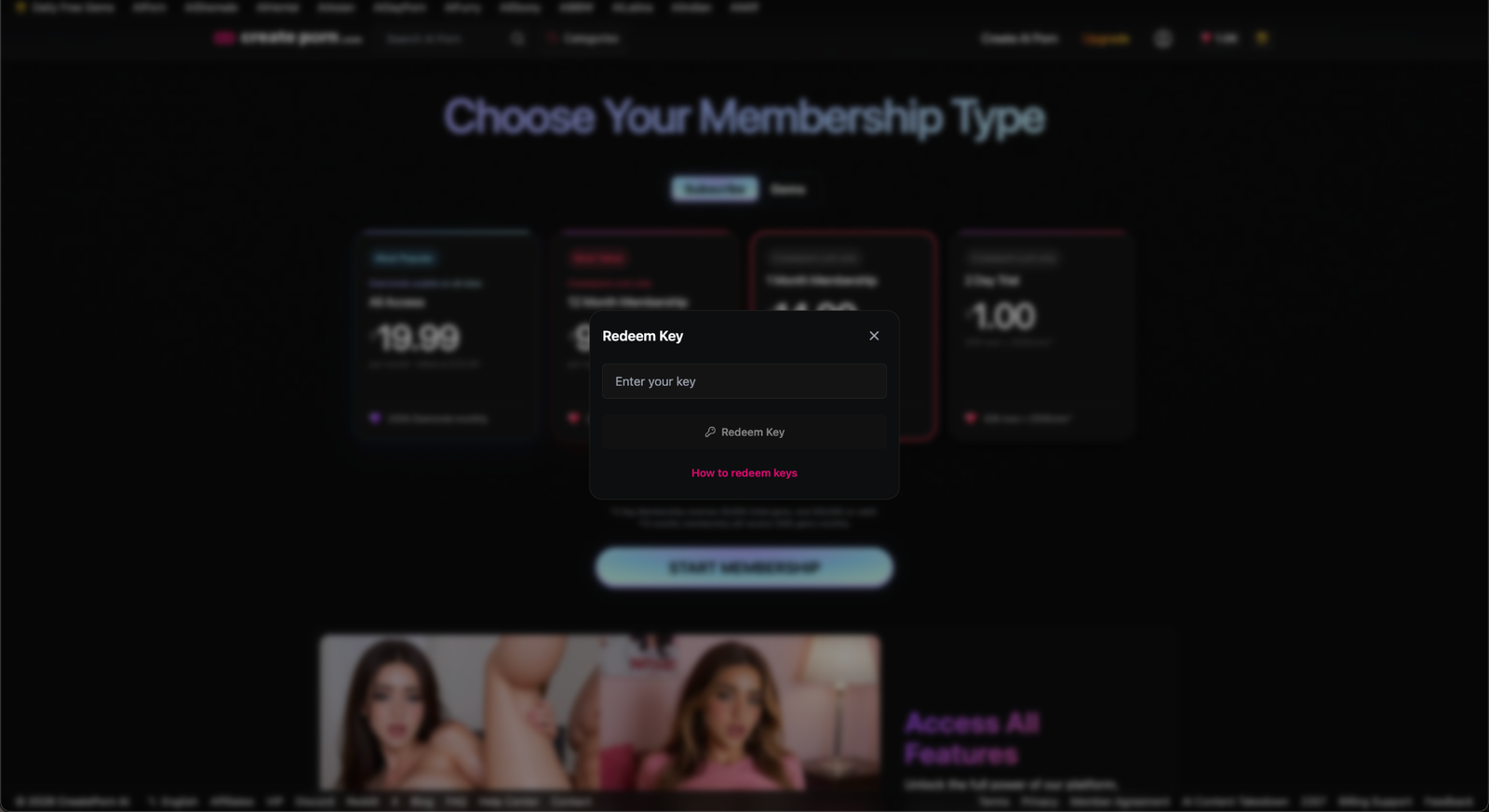
Your Gems will be added to your account immediately. Refresh to see the balance reflected in your account.